Living Happy
In the realm of modern computing, spreadsheet software stands as an indispensable tool for countless individuals and organizations. From managing personal finances to crunching complex data, spreadsheets have become ubiquitous, empowering users to organize, analyze, and present information with unparalleled ease.
The ubiquitousness of spreadsheet software in various domains, including accounting, finance, research, and personal life, makes understanding its capabilities and intricacies a matter of significant value.
Spreadsheet Software
What is Spreadsheet Software?
Spreadsheet software is a computer program used to organize, analyze, calculate, and present data in a tabular format. It consists of a grid of cells where each cell can contain text, numbers, formulas, or functions.
Spreadsheet software empowers users to organize and manipulate large amounts of data efficiently, perform complex calculations, create charts and graphs to visualize data, and collaborate with others.
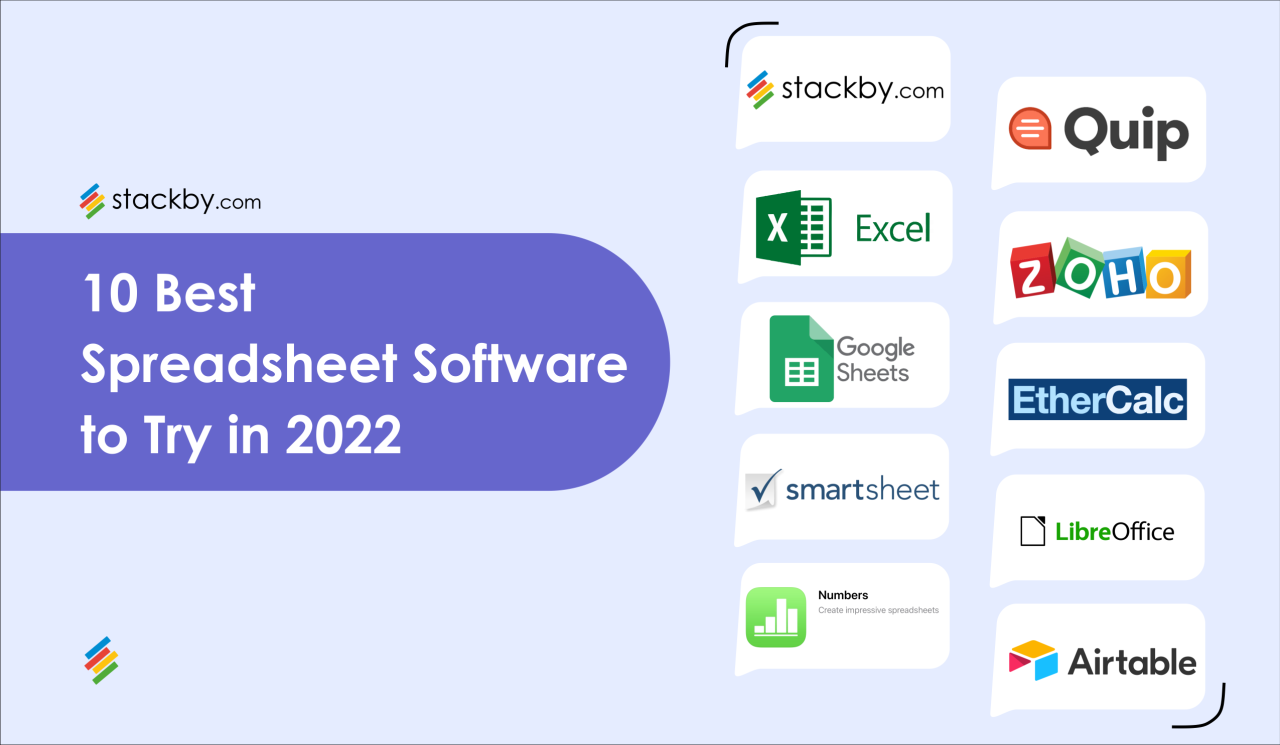
Popular spreadsheet software includes Microsoft Excel, Google Sheets, and Apple Numbers. These tools offer a comprehensive range of features and are widely used in various industries, including finance, accounting, project management, and data analysis.
Key Features of Spreadsheet Software
Spreadsheet software offers a plethora of features, including:
- Data Entry and Manipulation: Users can enter and manipulate data in cells, perform calculations, and sort and filter data.
- Formulas and Functions: Spreadsheet software provides a wide array of formulas and functions that enable users to perform mathematical, statistical, and logical operations on data.
- Charting and Visualization: Users can create charts and graphs to visually represent data, making it easier to analyze and identify patterns.
- Collaboration: Collaborative features allow multiple users to work on the same spreadsheet simultaneously, enabling teamwork and efficient data sharing.
- Automation: Spreadsheet software offers automation features such as macros and scripts that can streamline repetitive tasks and improve efficiency.
Benefits of Using Spreadsheet Software
Spreadsheet software offers numerous benefits:
- Increased Efficiency: Automating tasks and organizing data in a structured manner enhances productivity and saves time.
- Improved Accuracy: Formulas and functions reduce the risk of errors compared to manual calculations, ensuring the accuracy of calculations and data analysis.
- Data Analysis and Insights: Spreadsheet software enables users to analyze data, identify trends, and make data-driven decisions.
- Collaboration and Data Sharing: Collaborative features facilitate teamwork and improve the flow of information.
- Versatile and Adaptable: Spreadsheet software is adaptable to various industries and use cases, making it a valuable tool for a wide range of professionals.
Choosing the Right Spreadsheet Software
When selecting spreadsheet software, consider the following factors:
- Features: Evaluate the specific features offered by each software and ensure it aligns with your requirements.
- Compatibility: Consider the compatibility of the software with your existing systems and devices.
- Cost: Determine the pricing model and subscription fees associated with different software options.
- Ease of Use: Opt for software that offers an intuitive interface and user-friendly features to maximize productivity.
- Support: Evaluate the level of support provided by the software company, including documentation, online resources, and customer service.
Advanced Features of Spreadsheet Software
Pivot Tables and Charts
Pivot tables and charts are powerful features that allow users to summarize and analyze large datasets. Pivot tables let you reorganize and group data by different criteria, making it easier to spot trends and patterns. Charts convert data into visual representations, such as bar graphs, line charts, and pie charts, to highlight key insights and relationships.
These features enable users to quickly extract meaningful information from complex data, identify outliers, and make well-informed decisions.
Example: A sales manager can use pivot tables to analyze sales data by region, product category, and time period. This helps them identify top-performing regions and products, as well as seasonal patterns that may affect sales strategies.
Conditional Formatting
Conditional formatting applies different colors, formatting, or styles to cells based on specific rules. This feature helps users visually identify data trends, outliers, or important information quickly.
Conditional formatting can be used to highlight cells that meet certain criteria, such as values that exceed a threshold, are below a certain percentage, or contain specific text. This visual cue makes it easier to pinpoint critical data points and take appropriate actions.
Example: An accountant can use conditional formatting to highlight cells with negative values in a financial statement. This helps them quickly identify potential errors or areas of concern that need further investigation.
Data Validation
Data validation ensures the integrity and accuracy of data by enforcing specific rules and limitations on user input. It helps prevent incorrect or invalid data from entering a spreadsheet, maintaining the reliability of your data analysis.
Data validation can be used to restrict the type of data that can be entered into a cell (e.g., numbers only, dates, or drop-down lists), set range limits, or check for specific criteria. This feature ensures that data is consistent and meets the required standards.
Example: A project manager can use data validation to limit the start and end dates of a project to a specific range, preventing users from entering unrealistic or conflicting dates.
Financial Analysis and Modeling
Spreadsheet software is an indispensable tool for financial analysis and modeling. It enables users to create complex financial models, conduct scenario analysis, and evaluate investment decisions.
Spreadsheets allow users to input financial data, such as income statements, balance sheets, and cash flow statements. They can then use formulas and functions to calculate key financial metrics, such as return on investment (ROI), net present value (NPV), and internal rate of return (IRR). This enables them to compare different investment options and make informed decisions.
Data Management and Analysis
Spreadsheet software is also widely used for data management and analysis. It provides powerful tools for organizing, sorting, and filtering large amounts of data.
Spreadsheets allow users to create lookup tables, perform data cleaning, and merge data from multiple sources. They can also use statistical functions and charting capabilities to analyze data trends, identify outliers, and draw meaningful conclusions.
Collaboration and Sharing
Modern spreadsheet software offers robust collaboration features, enabling multiple users to work on the same spreadsheet simultaneously. This allows teams to share data, discuss changes, and track revisions in real-time.
Collaborative spreadsheets also support version control and document sharing, ensuring that everyone has access to the most up-to-date version of the document. This eliminates version conflicts and facilitates seamless teamwork.